

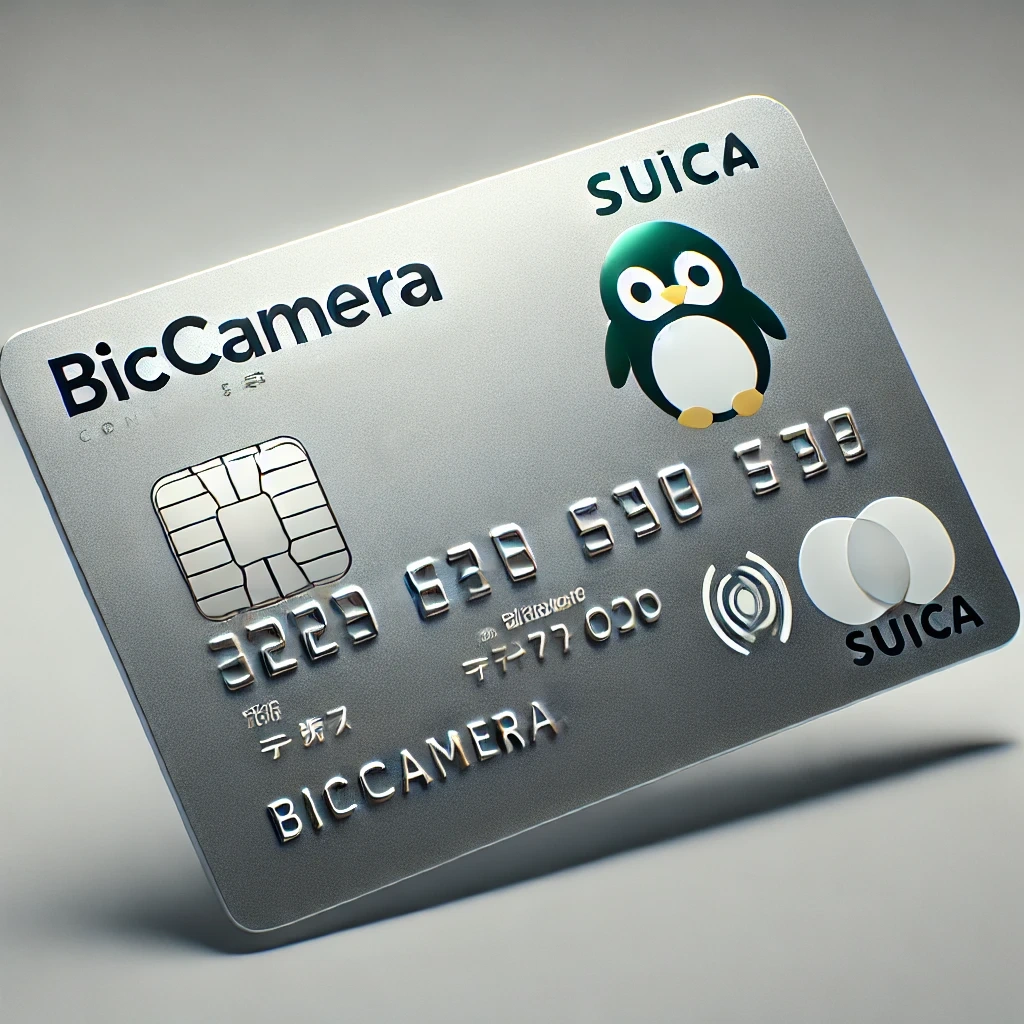
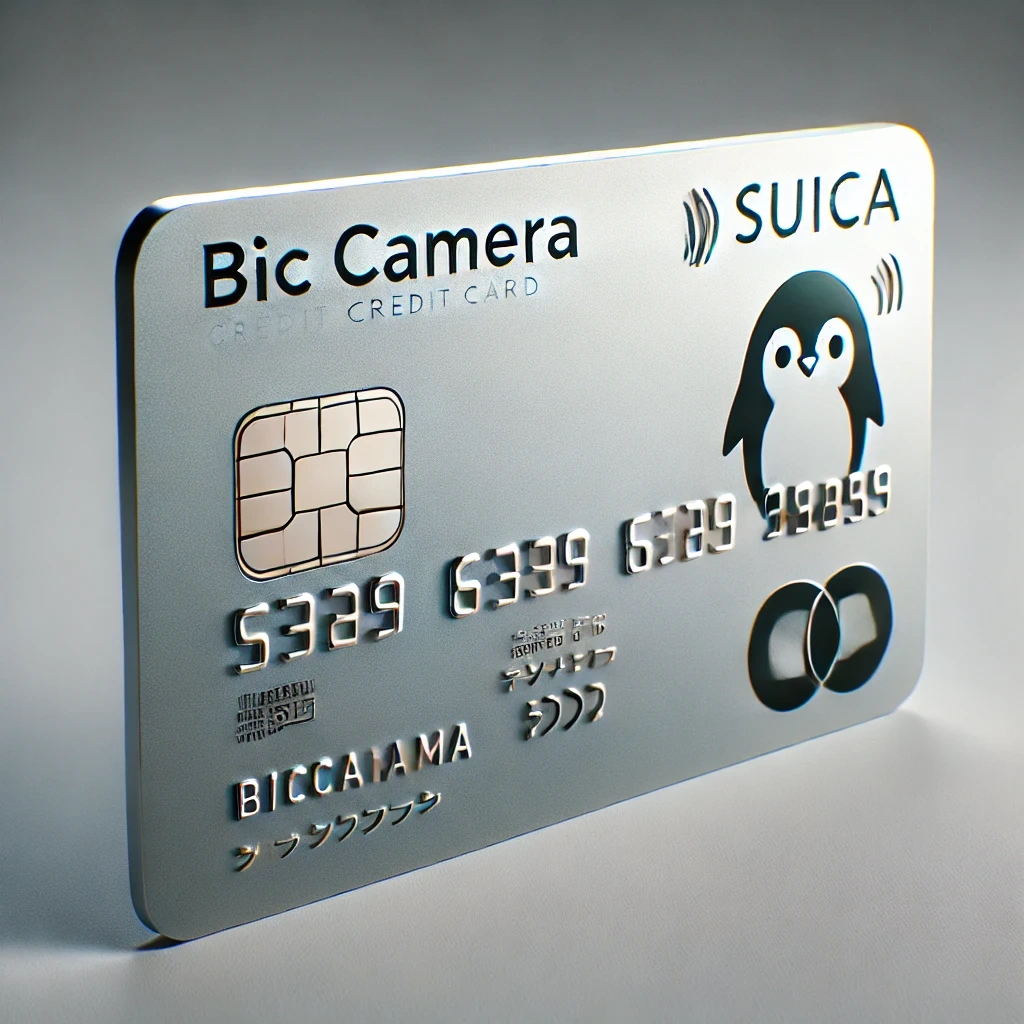
If you shop frequently at BicCamera stores or rely on trains for your daily commute in Japan, the BicCamera Suica Credit Card could be an excellent choice.
It integrates shopping rewards, transportation convenience, and robust mobile compatibility into a single card.

In this guide, you'll find a detailed breakdown of its features, how to apply, and key information about fees and support.
What Is the BicCamera Suica Credit Card?
The BicCamera Suica Credit Card is a multifunctional payment card issued by View Card Co., Ltd., a subsidiary of JR East. It combines:
- Credit Card Functionality (Visa or JCB)
- Suica: Built into the card, Suica enables tap-and-go transit and retail payments. You can auto-recharge Suica directly from your credit line.
- JRE Points: Earn points when using Suica for train fares and shopping at JRE POINT-partner stores. Points can be converted into Suica balance.
- BIC Points: Earn up to 11.5% back when shopping at BicCamera, Sofmap, and Kojima stores. You can link your BIC Point Card number during the application for seamless integration.
This makes it ideal for both shopping at BicCamera Group stores and commuting within Japan.
Moreover, you can earn rewards across multiple platforms, making it one of the most versatile cards available.
This triple-reward structure ensures that every purchase or transit ride brings you closer to valuable rewards.
Key Features
Among its main perks, we can find:
- Auto-Charge Feature: Automatically recharges your Suica balance when it's low.
- Mobile Compatibility: Supports Mobile Suica, Apple Pay, and Google Pay.
- Security: Equipped with an IC chip, two-factor authentication, and loss/theft protection for Suica balance.
- Card Networks: Visa or JCB.
- ETC Card Option: Available for highway tolls.
- Optional Services: Various View Card member-only campaigns and travel promotions.
Step-by-Step Application Process
Applying for the BicCamera Suica Credit Card is digital and easy, but requires careful attention to detail. Here’s how you do it:
1. Accept Terms and Conditions
Carefully read the membership agreements and privacy policies. Accept the terms electronically to proceed.
2. Provide Personal Information
Full legal name (matching your government-issued ID), date of birth, gender, valid mobile phone number, and email address.
To assess residency, provide a residential address in Japan and postal code (for card delivery and billing).
3. Enter Household Information
The bank must know it to understand your finances better.
Type of residence (owned, rented, company housing), length of residence, and family members living together.
4. Provide School or Job Information
Students and workers alike can apply by providing details about their occupations.
Give the school name if you are a student, the company name, and the industry if employed.
Additional details include job title and work phone number, length of employment/school enrollment.
5. Financial Information
Annual income (required for screening), Estimated annual taxes paid, Current outstanding debts (e.g., other credit cards, car loans)
6. Choose Card Specifications
Select your card network (Visa or JCB), and decide if you want an additional ETC Card for highway tolls
Choose optional services such as Mobile Suica linkage or View Card services.
7. Set Security Details
Create a 4-digit credit card PIN code.
If you already have a BIC Point Card, input the number during application to link points automatically.
9. Identity Verification
Provide identification document numbers (e.g., Driver’s License, Passport, My Number Card).
Upload or input supplementary data for verification.
10. Bank Account Information for Billing
Complete an "Account Transfer Application" by providing your Japanese bank account details.
Some banks may require "in-person" confirmation using a seal (inkan) or online banking authentication.
Once everything is completed, submit your application for screening. You may receive a notification within a few days.
How to Manage Your BicCamera Suica Credit Card
Managing your BicCamera Suica Credit Card effectively ensures you get the most out of its rewards and avoid unexpected fees. Here's what you need to do:
Register for Online Services
As soon as you receive your card, register on the View Net website.
There you can check billing statements, track points earned, confirm Suica auto-charge history, and update personal information (like your phone number or email).
Use the Mobile Suica App
Download the Mobile Suica app and link your BicCamera Suica Credit Card for easier management of your transit payments and auto-charge settings.
You can top-up manually or adjust auto-recharge settings anytime via the app.
Check Your Monthly Billing Statement
Statements are generated monthly (around the 26th of each month), and payment is due the following month.
View online through View Net or opt for paperless e-statements. Always review your transactions to spot unauthorized charges early.
Pay Your Bill Automatically
Your bill is automatically deducted from the bank account you registered during the application process.
Make sure your bank account always has enough funds around the payment due date to avoid late fees.
Monitor and Redeem Your Points
See:
- BIC Points: Use them directly at BicCamera, Kojima, and Sofmap stores for discounts.
- JRE POINTs: Redeem for train passes, shopping, or convert to Suica balance via the JRE POINT website or app.
- Check Expiry Dates: Points typically expire after a few years if unused.
Manage Optional Services
If you opted for an ETC card, track its toll charges through the same View Net account.
Keep your Mobile Suica and Apple Pay/Google Pay apps up to date for security and new features.
Interest Rates and Fees
To minimize extra costs, it is recommended to pay the balance in full each month and make at least one card usage per year to avoid the annual fee.
| Type | Amount |
| Annual Fee | ¥524 (free first year; waived with annual use) |
| Purchase Interest Rate | 15% |
| Cash Advance Rate | 18% |
| Late Payment Penalty | Up to 20% |
| Foreign Transaction Fee | 1.6%-2.0% depending on the network |
Customer Support and Contact Information
Contact in case of any issue:
- Phone Number (General Inquiries): 03-6685-7000
- Operating Hours: 9:00 AM to 5:00 PM (JST), Monday to Saturday (excluding holidays)
- Mailing Address: View Card Co., Ltd., 2-1-1 Yoyogi, Shibuya-ku, Tokyo 151-8578, Japan
Conclusion
The BicCamera Suica Credit Card is an excellent option if you want a convenient way to earn rewards while shopping and commuting in Japan.
Integrating Suica e-money, JRE POINT, BIC Point, plus compatibility with Mobile Suica and Apple Pay, it delivers outstanding value for travelers and shoppers alike.
Don't miss out on maximizing your everyday purchases and travel by applying today.
Disclaimer: Information provided here is for informational purposes only and may vary depending on individual circumstances and View Card Co., Ltd.'s policies. Always refer to the official View Card website for the latest details and application requirements.